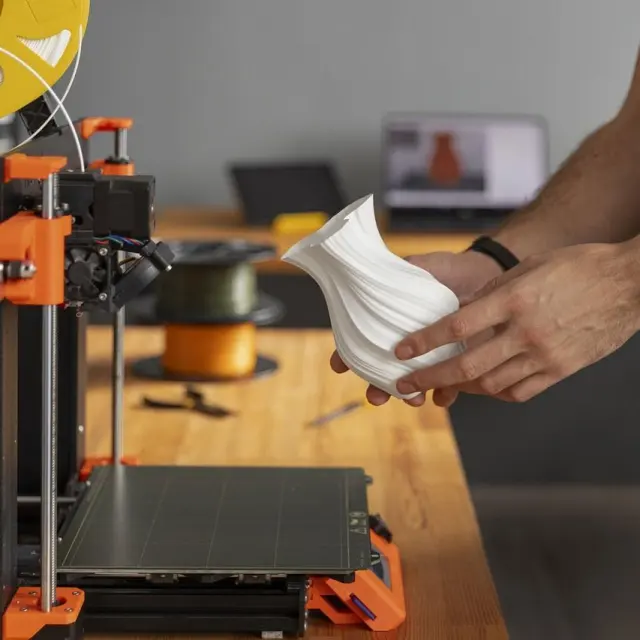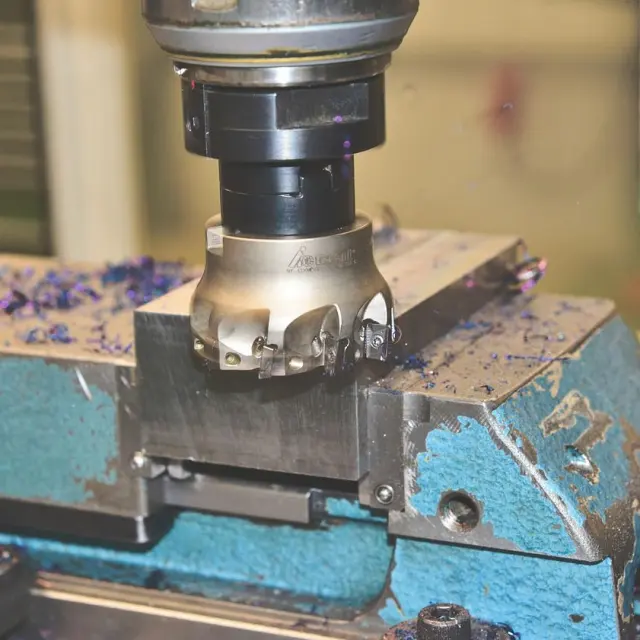
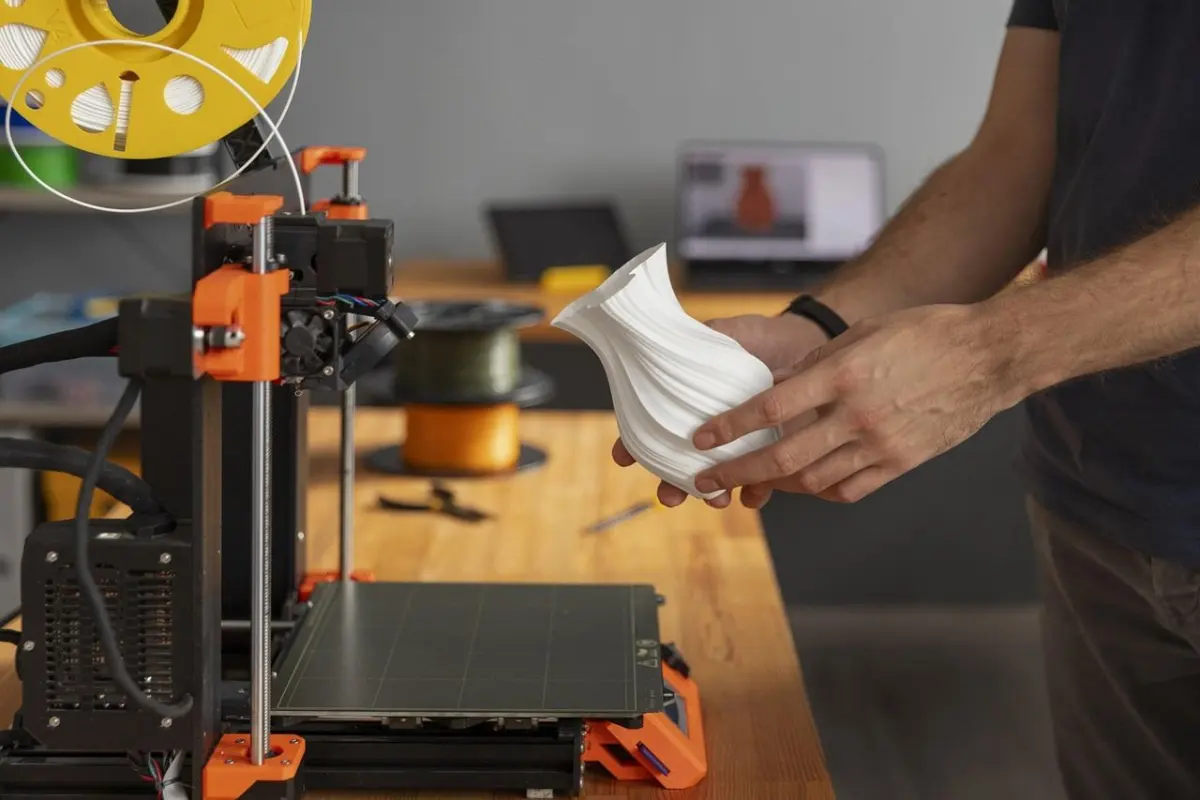
Choosing between a desktop CNC vs 3D printer for your home workshop? Pick a 3D printer for small, complex plastic parts, and a CNC router or mill for wood, aluminium and larger, sturdier work.
This page sits inside the wider topic of 3d printing for manufacturing.
| Item | Value |
|---|---|
| Carbide 3D Shapeoko routers: cutting area | 16 x 16 inches up to 4 x 4 feet |
| Carbide 3D Shapeoko routers: price range | $1,800-$5,400+ |
| Carbide 3D Nomad enclosed mill: cutting area | 8 x 8 x 3 inches |
| Carbide 3D Nomad enclosed mill: price | About $2,800 |
| Typical CNC machine accuracy | 0.025 mm |
The machine figures come from MatterHackers’ comparison of Carbide 3D machines, updated July 9, 2025, and the accuracy figure from 3D Insider’s guide, posted July 18, 2018. Prices and specifications change, so check the source before you rely on them.
What is the real difference between a desktop CNC and a 3D printer?
A 3D printer is additive: it builds a part up, layer by layer, usually from hot plastic. A CNC router or mill is subtractive: a spinning cutter removes material from a solid block. MakerHacks’ buyer’s guide puts it this way: this style of production is called “Subtractive Manufacture, versus additive in the case of 3D printing.”
The word “CNC” is broader than it sounds. All3DP notes that CNC machines come in all sorts of guises, even 3D printers. In home-workshop talk, though, the same MakerHacks guide says that when it discusses hobbyists, it is almost always talking about a CNC router.
So the practical question is not “which is better?” It is whether your projects are best made by building up plastic or by cutting down a block of wood, plastic or metal.
What do you want to make?
Start with size and structure. In a Make: article from March 17th, 2014, the advice is that if your interests tend toward larger and more structural creations, you should go with milling. If creating small 3D objects is your goal, a 3D printer is the right choice.
Materials point the same way. Per 3D Insider, desktop FDM printers mostly use plastic filaments such as PLA, ABS, PETG or Nylon, while CNC has been used to machine durable materials such as stainless steel, aluminum and various alloys. On the CNC side, MatterHackers lists plastics, wood, wax, soft metals (aluminum, brass) and PCBs for the Nomad, and wood, plastics, aluminum and some metals for the Shapeoko routers.
Shape is where printing wins. MakerHacks says 3D prints are more capable when it comes to shapes, fine details and geometry, but CNC is more capable when it comes to size and materials. If printing is your route, the 3d printing design rules are worth reading before you model your first part.
How do accuracy, speed and finish compare?
3D Insider states that the accuracy of CNC machining is generally better than that of any type of 3D printing technology. It cites most CNC machines as offering accuracies in the magnitude of 0.025 mm, and says some FDM printers come close. FDM is vulnerable to factors such as ambient temperature, printing temperature, speed and cooling.
The same guide says a project that takes a 3D printer several hours may be finished by a CNC machine in an hour or less. It also says a printed object usually needs some post-processing before use. Treat that 2018 comparison as a rough guide, since it compares similar-sized projects and machines vary widely.
Geometry cuts the other way. Printing can create complex designs with various internal features, whereas CNC cuts from a solid block and is limited to areas the cutter can reach.
What about cost, space, noise and safety?
Printers are the cheaper way in: 3D Insider says desktop 3D printers have become very cheap and easy to buy. Desktop CNC costs more. As of MatterHackers’ July 9, 2025 update, Shapeoko routers range from $1,800 to $5,400+, and the Nomad is about $2,800.
Space and noise depend on the type of machine. MatterHackers describes the Shapeoko as requiring significant workspace with moderate to loud noise, depending on the spindle. The enclosed Nomad fits on a desktop, similar to a 3D printer, and has an integrated, quiet 70W spindle.
Safety is the part hobbyists underestimate. Make: warns of a blade spinning at 20,000 rpm sending bits of itself, or even your workpiece, flying at you. It adds that milling inherently causes waste, and without some sort of dust control that waste gets flung throughout the room.
Even with a dust shoe and an enclosed machine, MakerHacks says CNC still produces dirt and dust. 3D Insider adds that CNC definitely produces more waste than 3D printing, although scrap metal or wood can be recycled.
Which one is harder to learn?
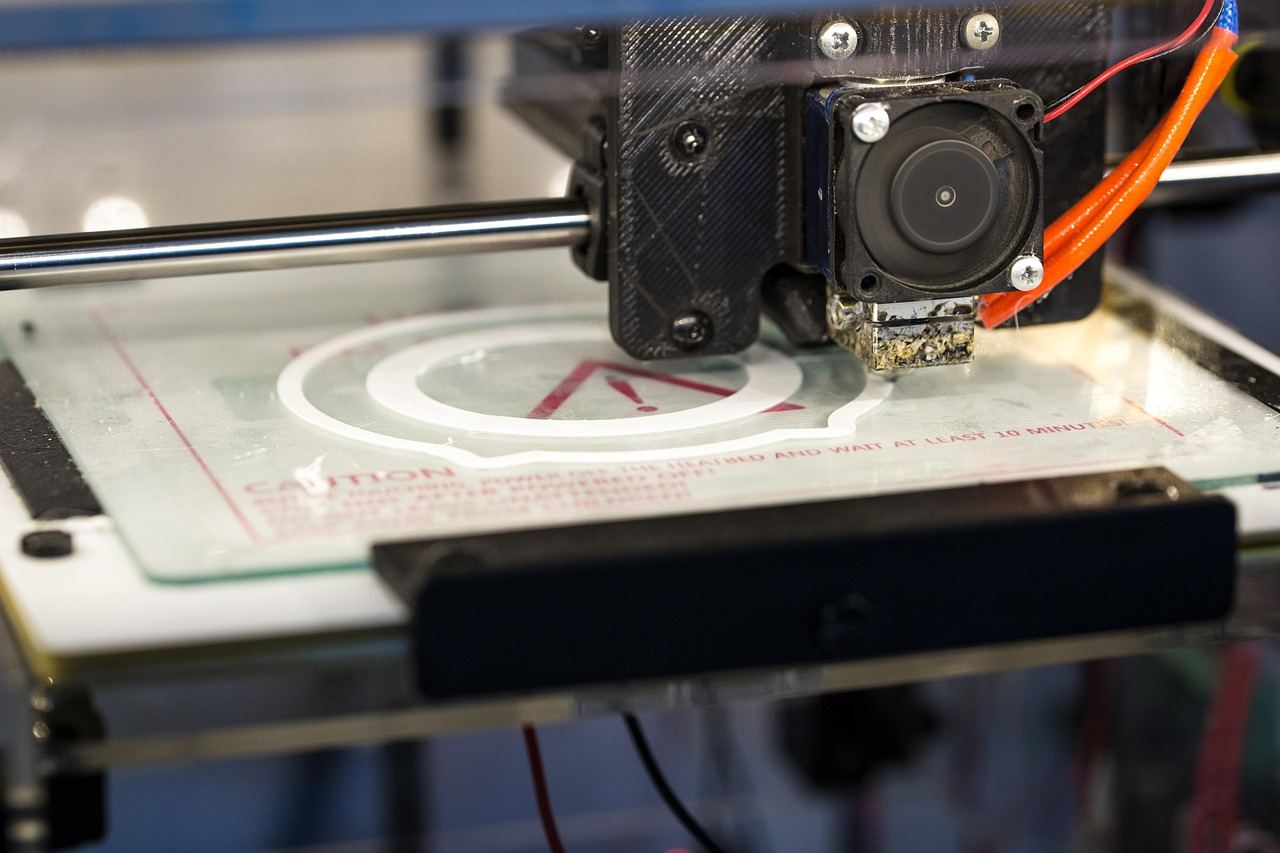
Make: states that from the user’s perspective, CNC milling is a much more complex process than printing. After you draw a part, you must generate toolpaths in CAM software. That means specifying the stock material, the end mill and the speeds for the axes and spindle.
Printing is simpler: you export an STL file, and slicing software converts it automatically into G-code. The same article adds that CAM software for 3D milling can be very expensive and difficult to use.
In CNC’s favour, Make: says the technology is mature, while home 3D printers are improving fast but often still need tinkering to get a good print. MakerHacks sums up the cost of entry bluntly: CNC is a whole new learning curve.
Which should you buy first for a home workshop?
Match the machine to your most common job, not your most ambitious one.
- A 3D printer suits small plastic parts, complex shapes, internal features and a low starting budget.
- A CNC router suits wood, larger panels and sturdier parts, if you have the room, the dust control and the patience for CAM.
- An enclosed desktop mill suits small aluminium or brass parts and circuit boards in a tight space.
For that last group, MakerHacks’ September 2026 update recommends the Makera Z1 for smaller items at home or milling your own PCBs. It says small aluminium and brass parts, jewellery, enclosure panels and PCBs all fit comfortably on its 200 x 200mm bed.
If you do buy a CNC, MakerHacks says the number one factor in a machine’s performance is rigidity. For a production-focused view of the same trade-off, see cnc machining vs 3d printing.
Frequently asked questions
Is a 3D printer a CNC machine?
Show answer
In the broad sense, yes. MakerHacks says that by the plain definition, both a 3D printer and a laser cutter are CNC machines. In everyday use, “CNC” usually means a subtractive router or mill.
Can a CNC router make 3D shapes like a printer?
Show answer
Yes, to a degree. MakerHacks says CNC can do 3D using STL files like 3D printers can, from simple bevels and chamfers to intricate carves. Make: cautions that CAM software for 3D milling can be expensive and hard to use.
Which is quieter for a shared space?
Show answer
An enclosed desktop mill or a printer is the gentler choice. MatterHackers lists the Nomad as quiet and the Shapeoko as moderate to loud. 3D Insider says the CNC process is inherently noisy, so you may want an isolated room.
Does a CNC machine waste more material than a printer?
Show answer
Yes. 3D Insider says CNC definitely produces more waste than 3D printing, though scrap from machining can be recycled. Make: also notes that dust needs controlling.